Return management is getting easier with Shopify's Return APIs, and REVER is fully integrated. Merchants get greater visibility and control over their returns, with all data flowing natively between REVER and Shopify.
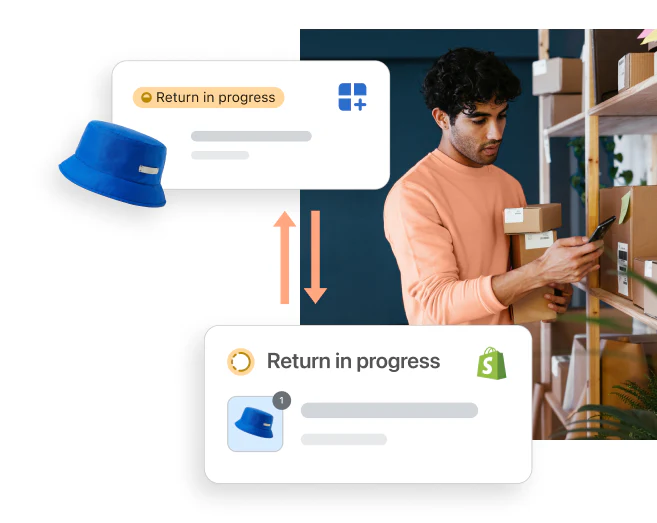
- Visibility and control: reduce the administrative burden that comes from reviewing different data in multiple systems. REVER keeps everything in sync so your team works from a single source of truth.
- Streamline returns: manage returns faster and more efficiently. REVER automates the full lifecycle so merchants get valuable time back.
- Data-driven decisions: make better fulfillment, inventory, and accounting decisions with a full view of returns activity across both REVER and Shopify.
- Improved buyer experience: decrease friction between systems, making returns a seamless and positive experience for buyers.
REVER connects to your Shopify store in minutes through a secure OAuth 2.0 app installation flow. No manual API key configuration or developer setup is required. Once authorized, REVER automatically syncs your orders, products, and inventory so you can start managing returns right away.
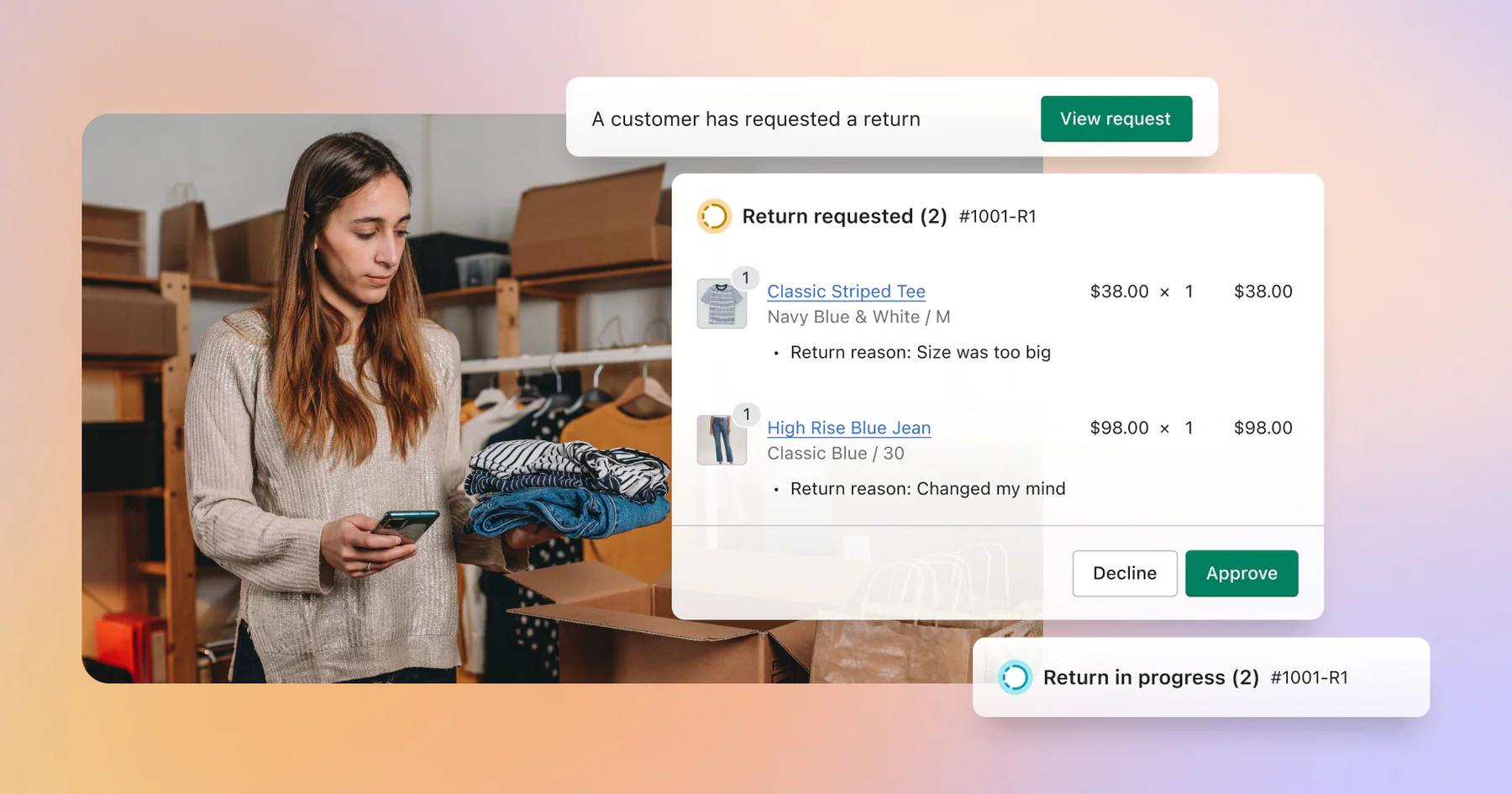
REVER uses Shopify's native Returns API to create and manage returns directly in Shopify's admin. Returns initiated through REVER appear in Shopify Admin > Orders > Returns, giving your operations team full visibility without switching between tools.
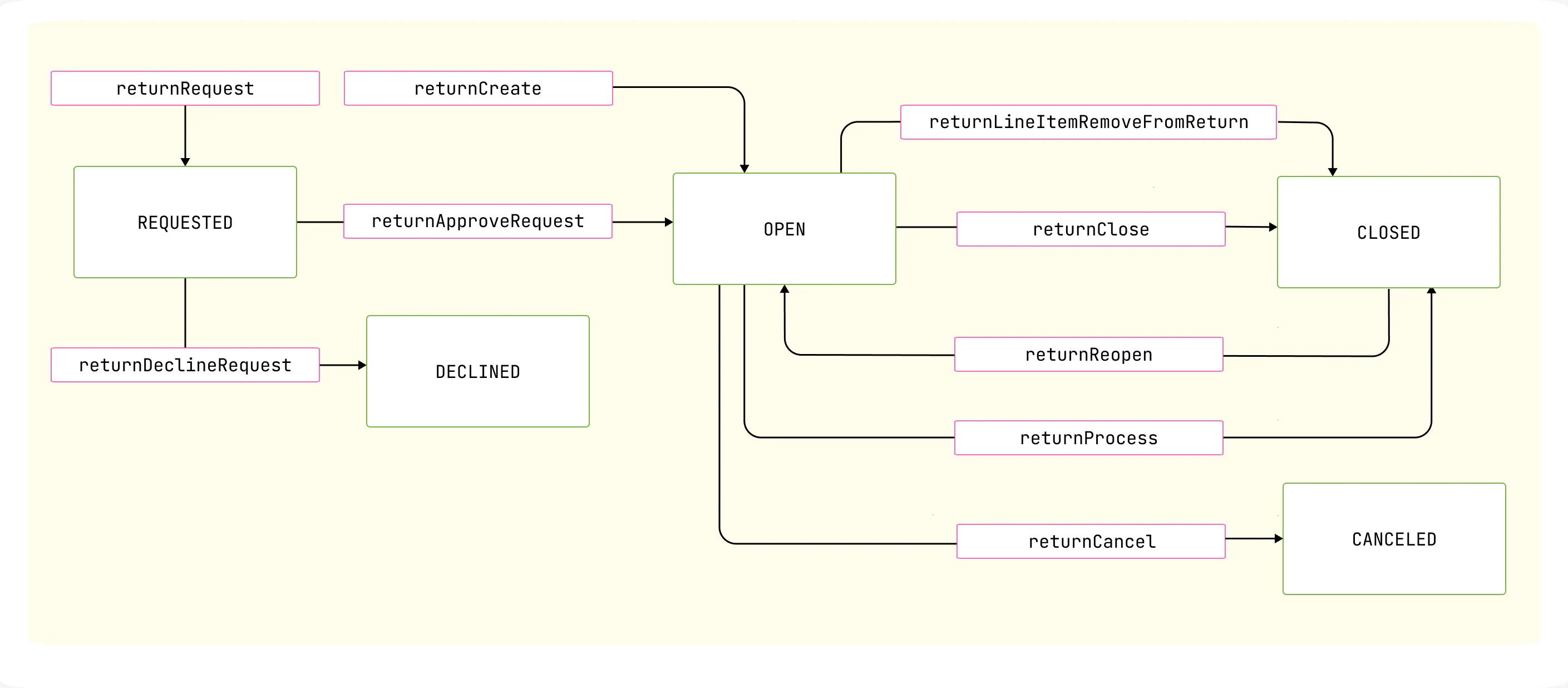
REVER manages the full return lifecycle through Shopify's native status model:
| Status | Description |
|---|---|
| REQUESTED | Customer has requested a return through the REVER portal |
| OPEN | Return has been approved and is being processed |
| DECLINED | Return request was declined based on your return policy rules |
| CLOSED | All items have been processed with restock decisions made, exchanges released, and financial reports updated |
| CANCELED | Return was canceled by the merchant or customer |
When a return is being processed, your team sees everything directly in Shopify's admin: the return status, the UPS tracking number with a clickable link, the item being returned, and the return reason provided by the customer. From here, you can process and refund with one click.
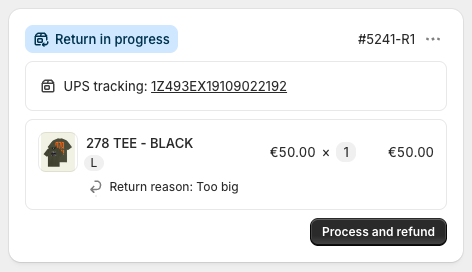
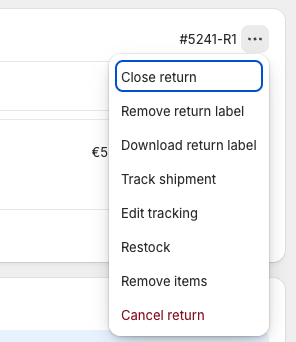
Clicking the three dots menu gives you quick access to common actions like downloading the return label, tracking the shipment, restocking items, and more.
- Data syncing: create and retrieve information about new returns
- Refunds: accurately associate refunded orders to returns
- Notifications: trigger email notifications to buyers from Shopify
- Webhooks: get notified when changes are made to a return
- Shipping labels: add your own shipping labels to a return and have this reflect in Shopify
- Item inspection: update item inspection notes and understand the result of an inspection in Shopify
REVER supports multiple compensation methods, all executed natively through Shopify's APIs:
| Method | How It Works |
|---|---|
| Original Payment Method | Refund issued through Shopify's payment gateway back to the customer's card, PayPal, etc. |
| Shopify Gift Card | A new gift card is created in Shopify with the refund amount, code sent to the customer automatically |
| Store Credit | Issued as credit within REVER or as a Shopify gift card, depending on your configuration |
| Discount Code | An automatic discount code is generated in Shopify (fixed amount or percentage) for use on a future purchase |
All refund methods support partial refunds, shipping cost refunds, and multi-currency (refunds are processed in the order's presentment currency).
REVER creates and manages Shopify gift cards as part of the returns compensation flow. When a customer chooses store credit or gift card as their refund method, REVER automatically:
- Creates a new gift card in Shopify with the exact refund amount
- Sends the gift card code to the customer
- Tracks the gift card balance and status within REVER
Gift cards support multi-currency, so the amount is issued in the order's original currency. If a return is later canceled or reversed, REVER can disable the gift card to prevent it from being used.
Gift cards are a powerful tool for revenue retention: instead of losing the sale entirely, the customer keeps a balance in your store that drives a future purchase.
REVER handles exchanges through Shopify draft orders:
- Customer selects a replacement item through the REVER returns portal
- REVER creates a draft order in Shopify with the exchange item(s)
- If the exchange is even-value, a 100% discount is applied automatically
- For uneven exchanges, the price difference is handled (customer pays extra or receives partial refund)
- The draft order is completed, creating a new Shopify order linked to the original
Customers can browse your full Shopify catalog directly from the returns portal via the Storefront API. Only in-stock variants are offered as exchange options, checked in real-time per location.
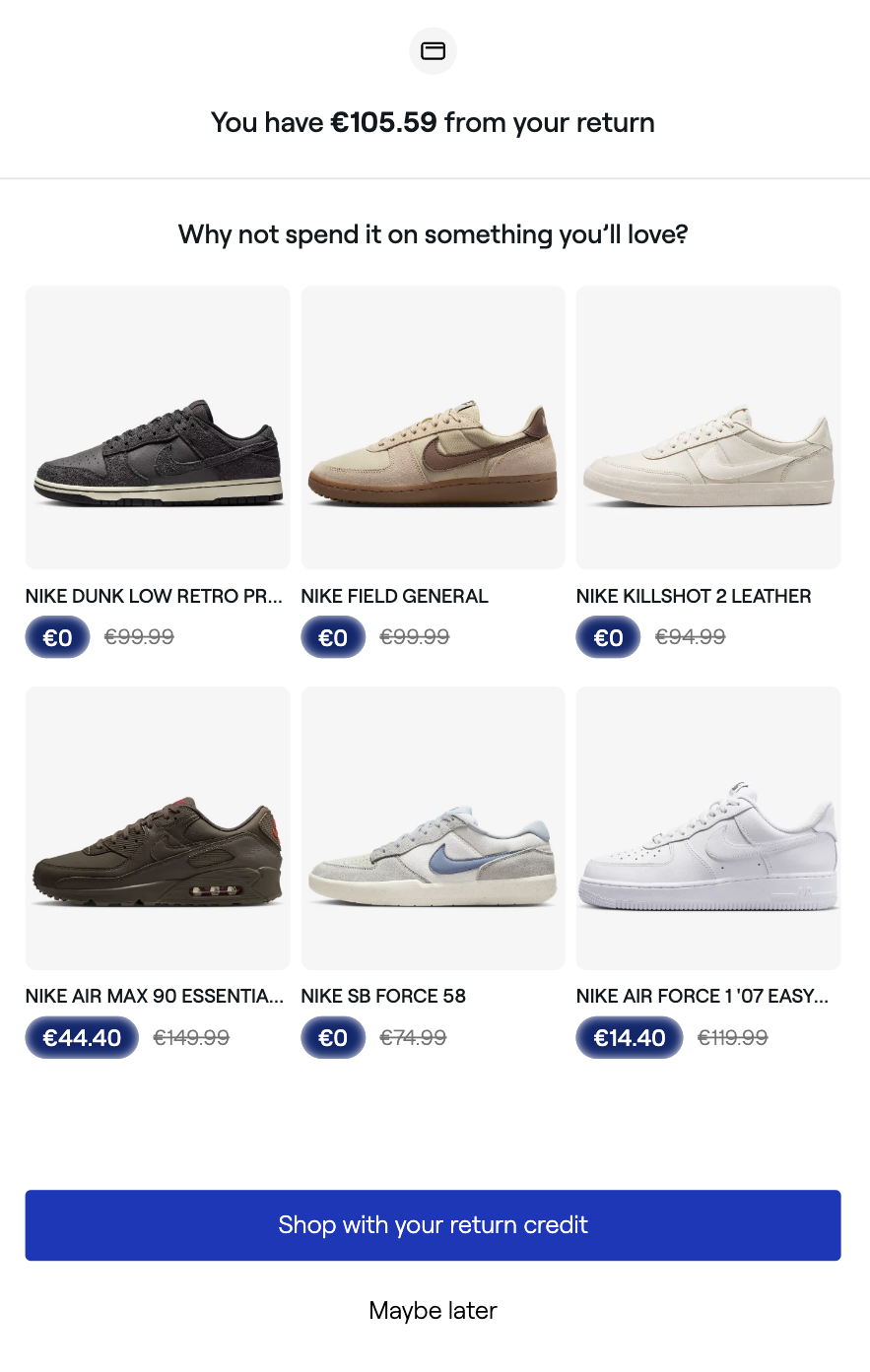
REVER syncs your complete Shopify product catalog to power the returns and exchange experience:
- Products and variants: names, descriptions, images, and all variant combinations
- Pricing: including country-specific pricing for international stores
- Inventory: real-time sellable quantities per location
- Collections: used to power the exchange browsing experience
The catalog is kept up to date through a combination of real-time webhooks and periodic synchronization.
REVER works with all Shopify plans: Basic, Shopify, Advanced, and Shopify Plus with multi-store support.